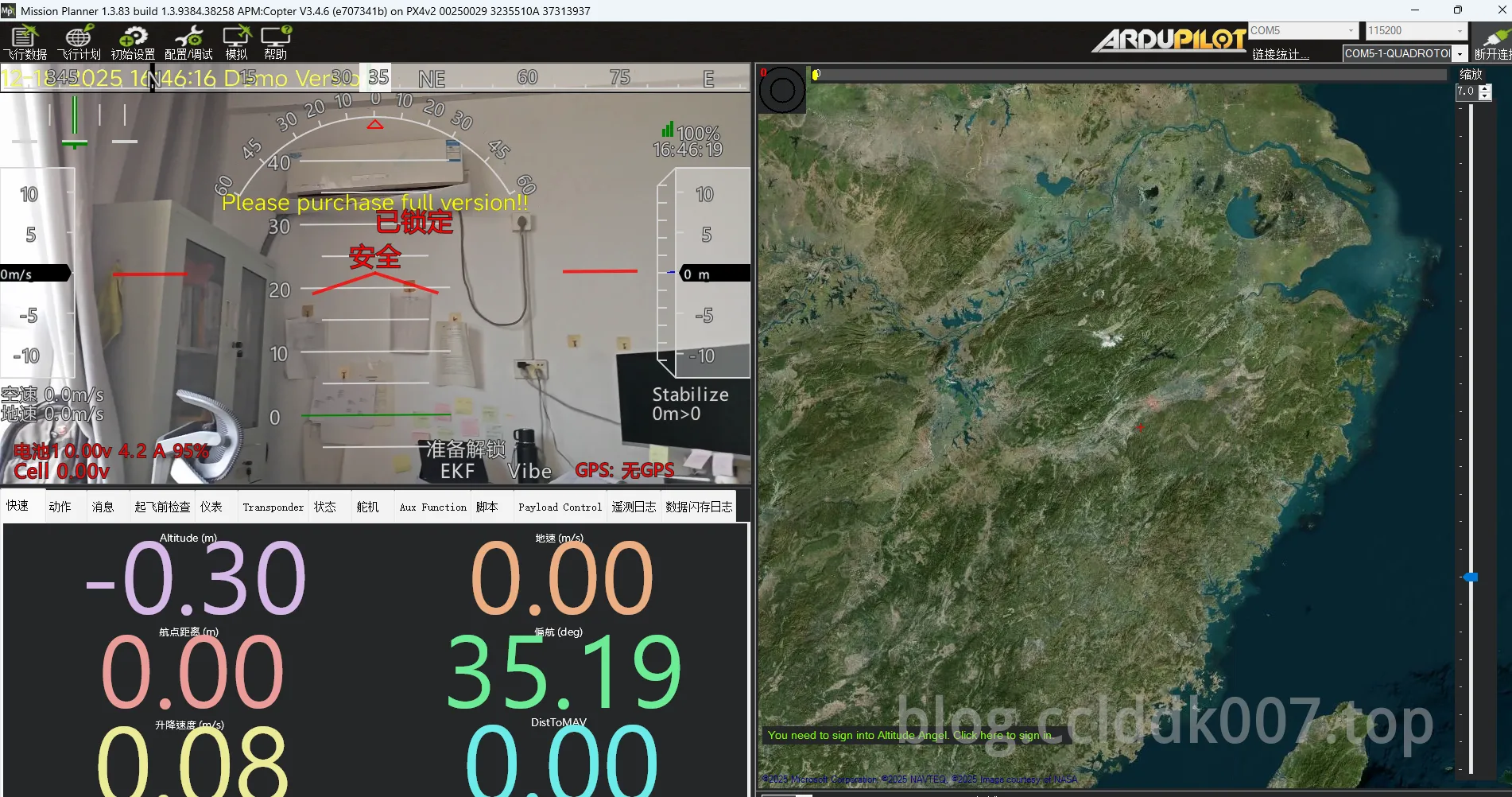
沉浸式远航固定翼无人机系统-Part 2-4G 视频传输搭建
本文最后更新于 2026-04-02,文章内容可能已经过时。
4G 视频传输搭建
1. 总体思路
Debian中Docker部署Oryx 服务器,手机RTMP推流到Oryx 服务器,MP地面站拉流即可。(服务器具有公网IP)
2. 软件&参数设置
目前两款RTMP手机推流软件都有水印,求分享破解版或其他好用推流软件。
还有可以支持OTG摄像头推流的,无水印,后续计划OTG摄像头做体感fpv,手机主摄做固定拍摄
MP填写:souphttpsrc location=http://Oryx 服务器/live/livestream.flv is-live=true do-timestamp=true ! flvdemux ! h264parse ! avdec_h264 ! videoconvert ! video/x-raw,format=BGRA ! appsink name=outsink
souphttpsrc location=http://Oryx 服务器/live/livestream.flv is-live=true ! queue ! flvdemux ! h264parse config-interval=1 ! avdec_h264 ! videoconvert ! video/x-raw,format=BGRA ! appsink name=outsink sync=false
3.延迟测试
参数:1080P 30帧
电脑端wifi+WG,手机4G
(2.15+2.133+2.116)/3=2.133s
电脑wifi,手机4G
2.033+2.017+2.017 /3 = 2.022 s
电脑wifi+wg,手机wg
1.683+1.649+1.683 /3 = 1.671s
电脑4G+wg,手机wg
934+950 / 2 = 0.942 s
电脑4G+wg(不走域名),手机wg(不走域名)
1017+1017+1033 /3 = 1.022s
参数:720P 30帧
电脑4G+wg(不走域名),手机wg(不走域名)
1144+1133+1133/3 = 1.13s
参数:480P 15帧
电脑4G+wg(不走域名),手机wg(不走域名)
1330+484+434+520 /3 = 0.32s